TRAINING OPPORTUNITIES WITH PERFORMANCE VOLLEYBALL CLUB
Performance Volleyball is committed to helping athletes reach their full potential through high-quality training opportunities offered year-round. Whether you are new to the sport or an experienced player looking to compete at a higher level, our instructional programs are designed to meet athletes where they are and help them continue to grow.
We offer private lessons, semi-private lessons, camps, clinics, and specialized training programs for players of all ages, skill levels, and positions. Every session is led by experienced coaches who focus on developing strong fundamentals, refining advanced techniques, improving volleyball IQ, and building confidence in a positive, challenging environment.
Our training opportunities include position-specific instruction for setters, hitters, middle blockers, liberos, defensive specialists, and right-side hitters, while also emphasizing serving, passing, attacking, blocking, defense, and overall game strategy. Programs are available throughout the year, allowing athletes to continue developing during the club season, school season, and offseason.
Whether your goal is to learn the game, prepare for tryouts, earn more playing time, or compete at the next level, Performance Volleyball provides personalized instruction and proven player development in an environment that challenges athletes to improve every time they step on the court.
At Performance Volleyball, we believe consistent training creates confident athletes. Our year-round development opportunities are designed to help every player Train. Compete. Perform.
PRIVATE AND SEMI PRIVATE LESSONS
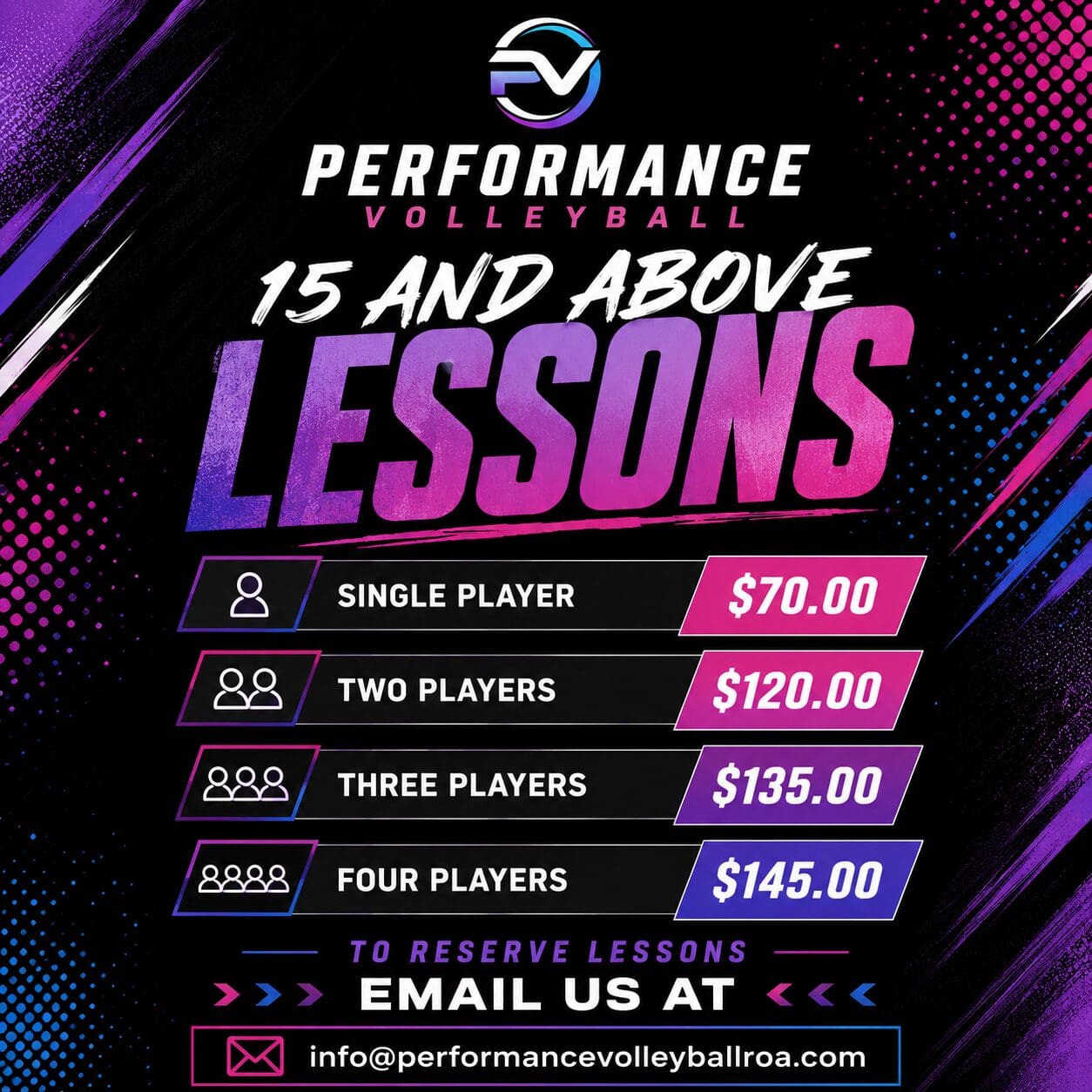
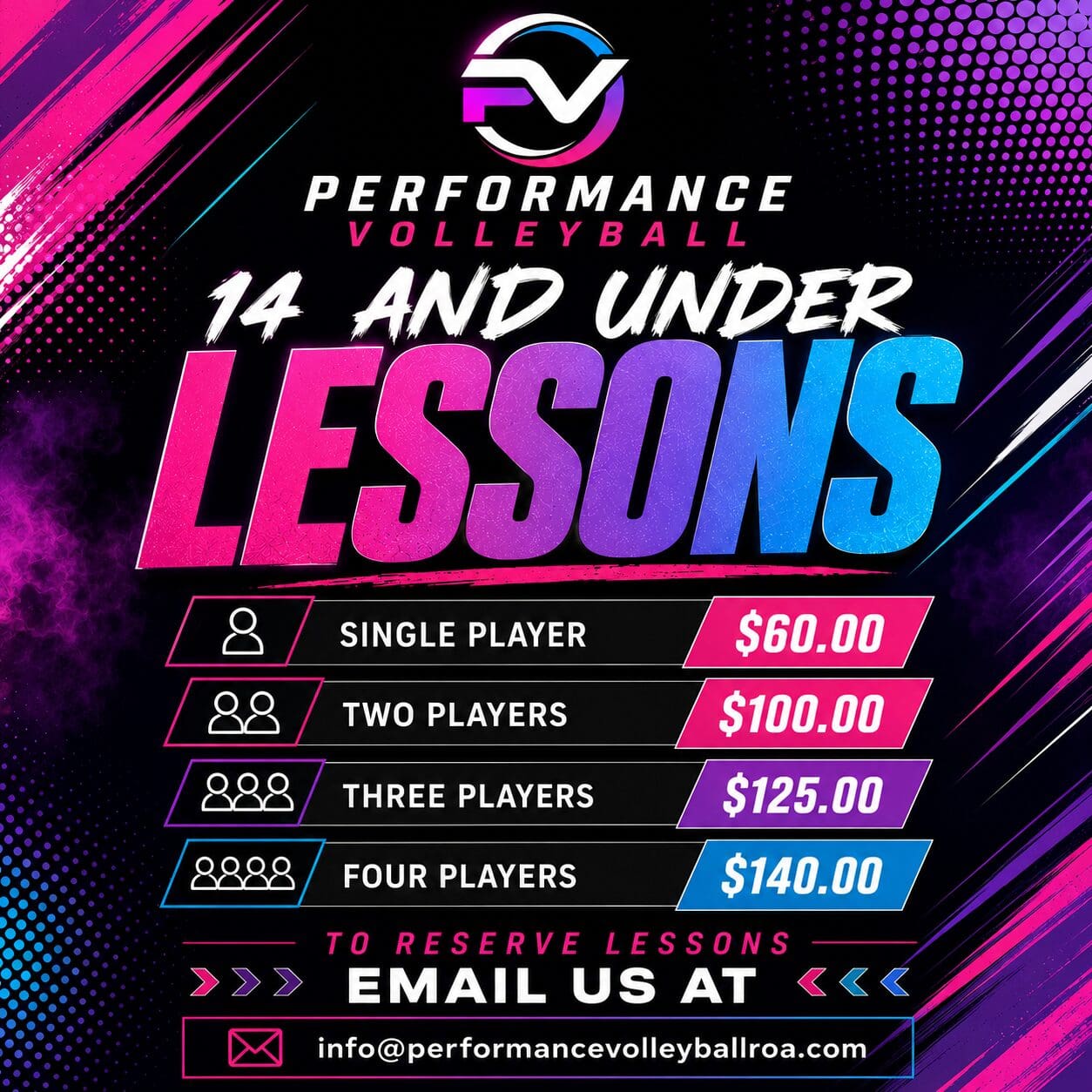
Performance Volleyball offers private and semi-private lessons for athletes both inside and outside of Performance Volleyball Club. These individualized training sessions provide players with focused instruction tailored to their specific goals, skill level, and position.
Private lessons allow athletes to accelerate their development by receiving personalized coaching, immediate feedback, and position-specific training in a one-on-one or small-group setting. Whether preparing for school or club tryouts, improving technical skills, building confidence, or gaining a competitive edge, our experienced coaches create customized training plans designed to maximize each player's potential.
Open to players of all ages and experience levels, our lessons provide an excellent opportunity to continue improving year-round in a positive, challenging, and supportive environment.